The whole training day, in your pocket.
Schedule, logbook, pre-flight and sign-off for students and instructors. One app that becomes yours when you sign in.
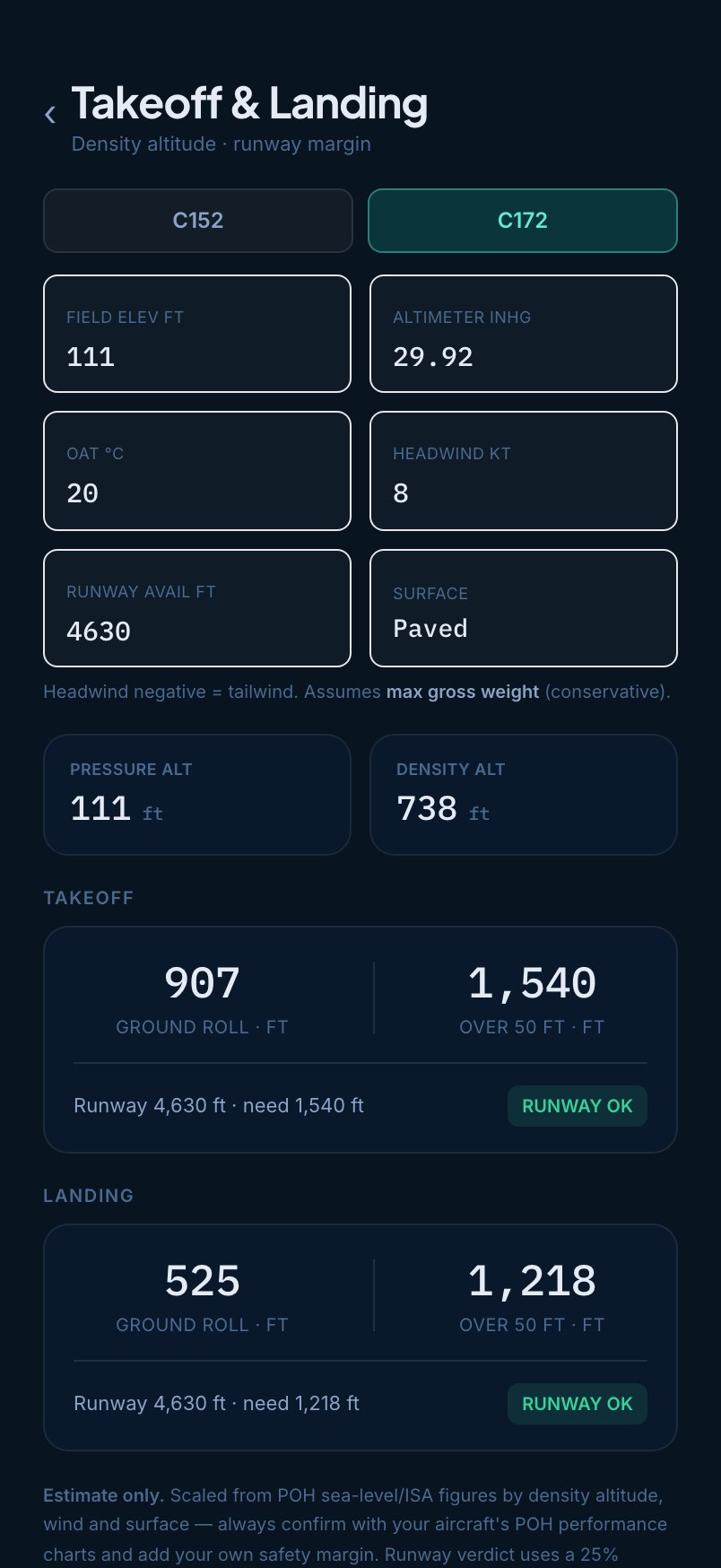
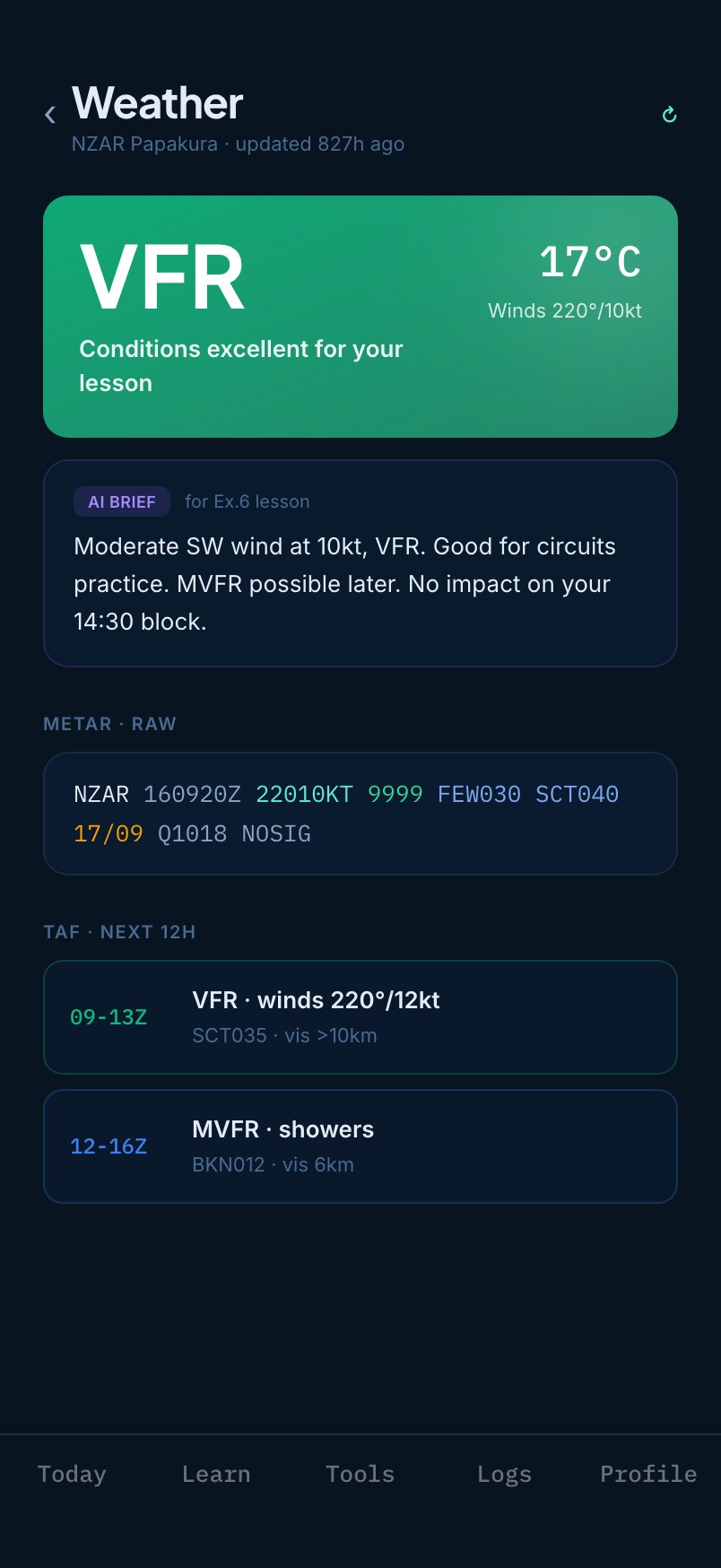
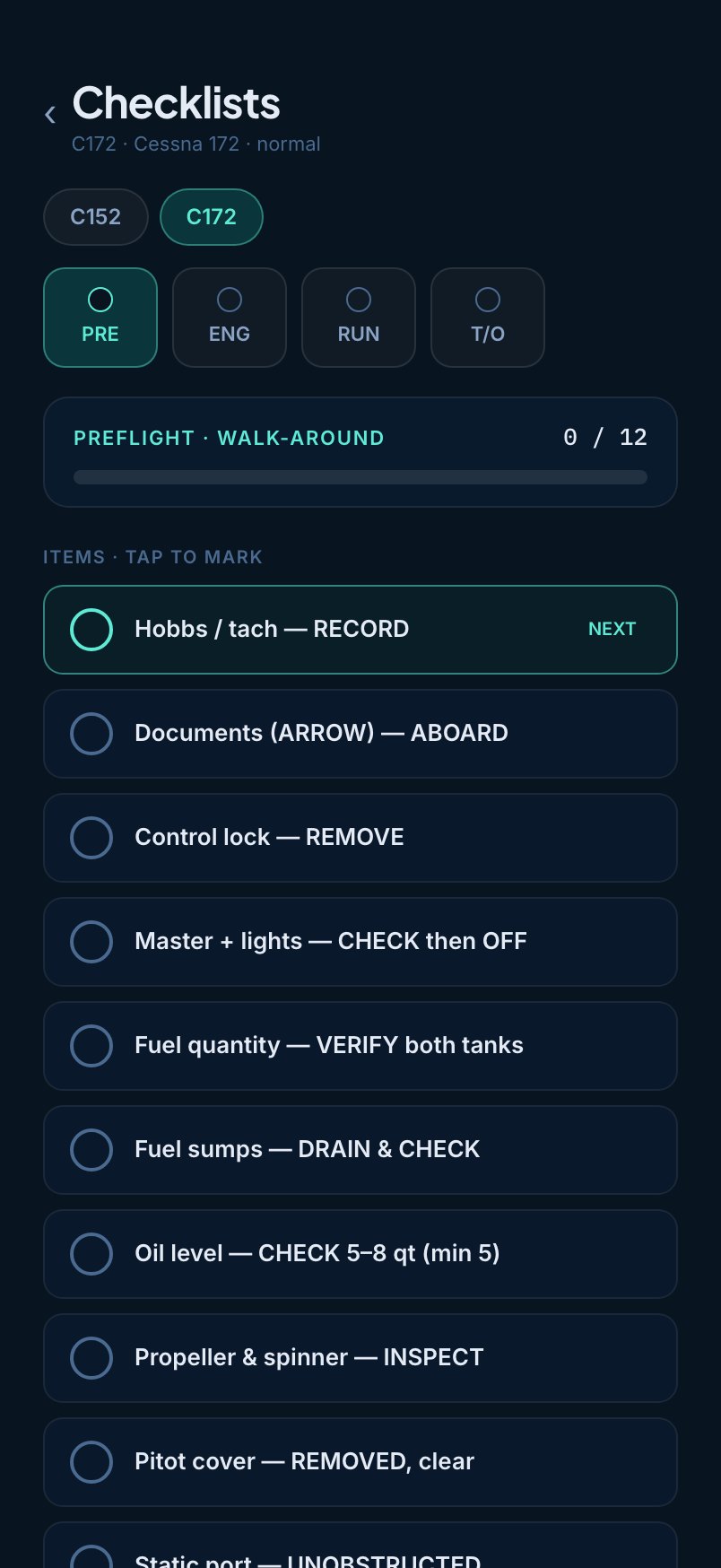
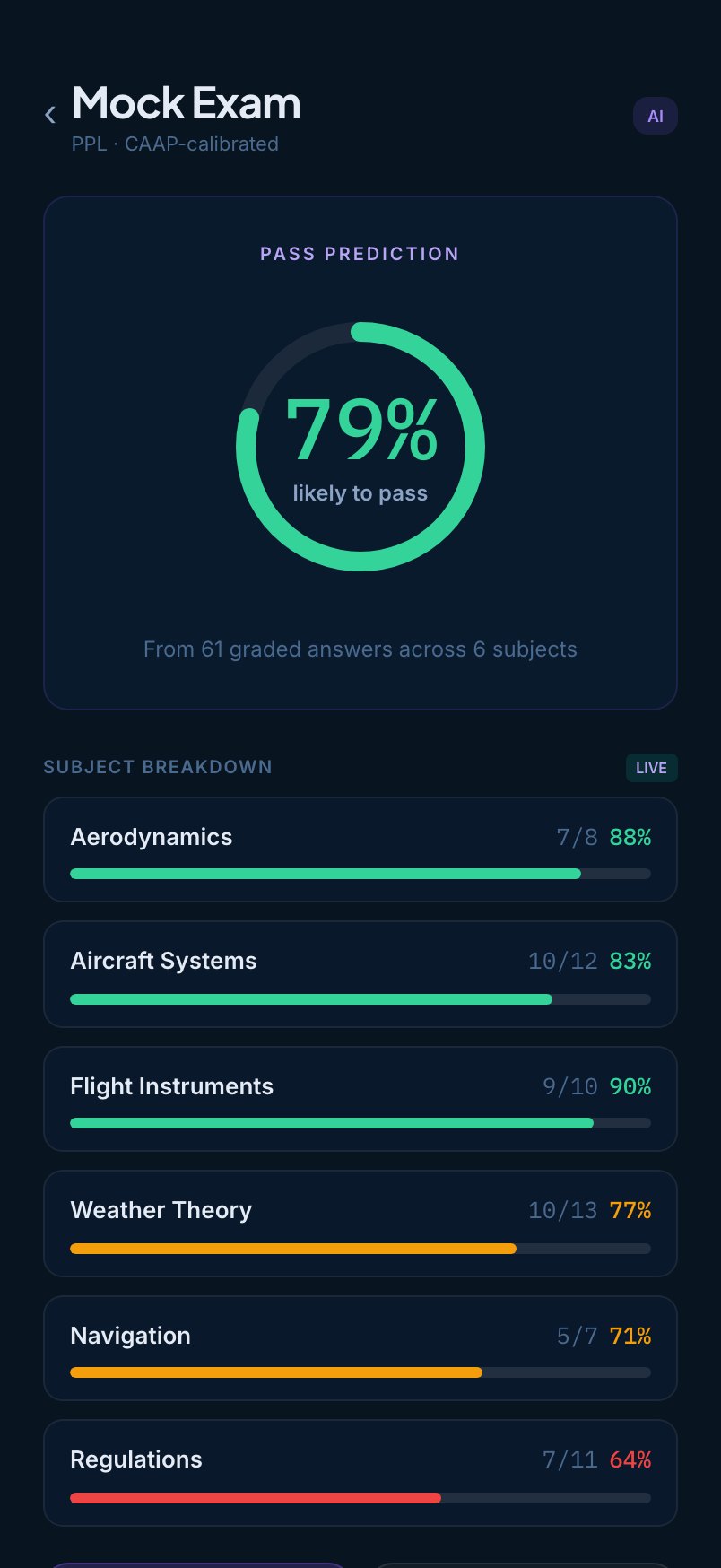
From the night before to the debrief.
What matters next is always on the phone you already carry.
- Today's flight and aircraft
- Weather brief for the lesson
- Fitness check
- Checklist for the aircraft type
- Weight and balance
- Takeoff and landing figures
- Airport information
- Logbook updated
- Debrief from the instructor
- Next lesson and hours left
Everything a training flight needs.
Logbook
Every leg recorded as block time and synced to the school record.
Pre-flight and IMSAFE
The fitness check and the checklist for your aircraft type, before you walk out.
Sign and release
Instructors release, grade and close the flight from the phone.
Ground school
Lessons and quizzes between flights, picking up where you left off.
Credit and schedule
Upcoming flights and your hour balance at a glance.
Weight, balance and performance
The tools you reach for, one tap from the flight.
It becomes yours when you sign in.
The same app shows a student their progress and an instructor their day. Nobody has to learn two tools.
- Schedule and next lesson
- Hours and credit left
- Logbook, always current
- Ground school between flights
- Today's students at a glance
- Release from the phone
- Grade and sign after the flight
- Weather and airport information
On the phone you already carry.
Sign in with your school account.
iPhone
- Open the App Store and search for Kryvox Pilot.
- Install the app.
- Sign in with your school account.
Android
- Download the APK to your phone.
- Allow installs from this source, once.
- Open Kryvox Pilot and sign in.
Bring Kryvox Pilot to your school.
Students and instructors sign in with their school account. We will show it on a phone in the demo.